One workflow for the whole performance staff.
The app the performance staff opens before every session. The protocol fits between training blocks.
Roster
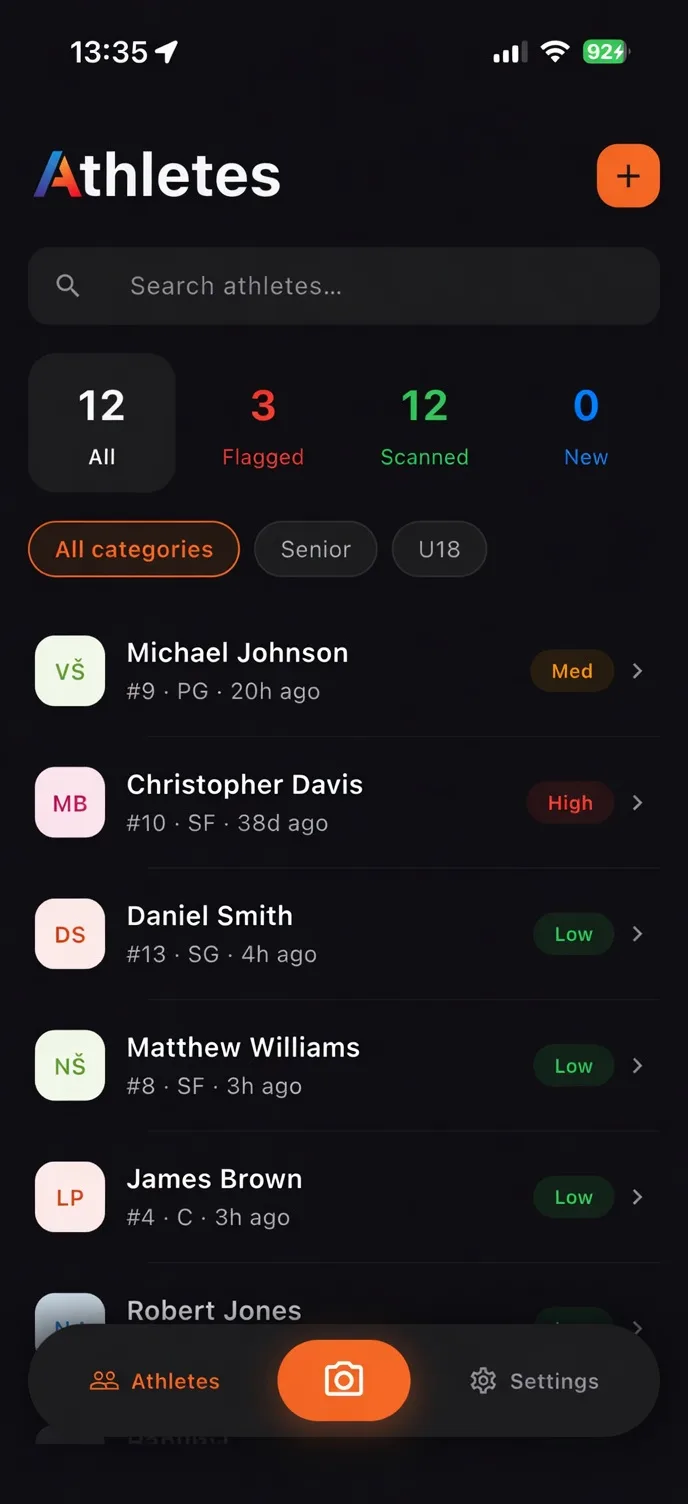
Every athlete on one screen. Status, trend, last scan. Filter and sort by squad, position, or flag level. CSV export when the club needs it on paper.
Capture
The app walks through a repeatable pose sequence with a live thermal preview from a standard radiometric thermal camera. Same setup every scan.
Scan detail
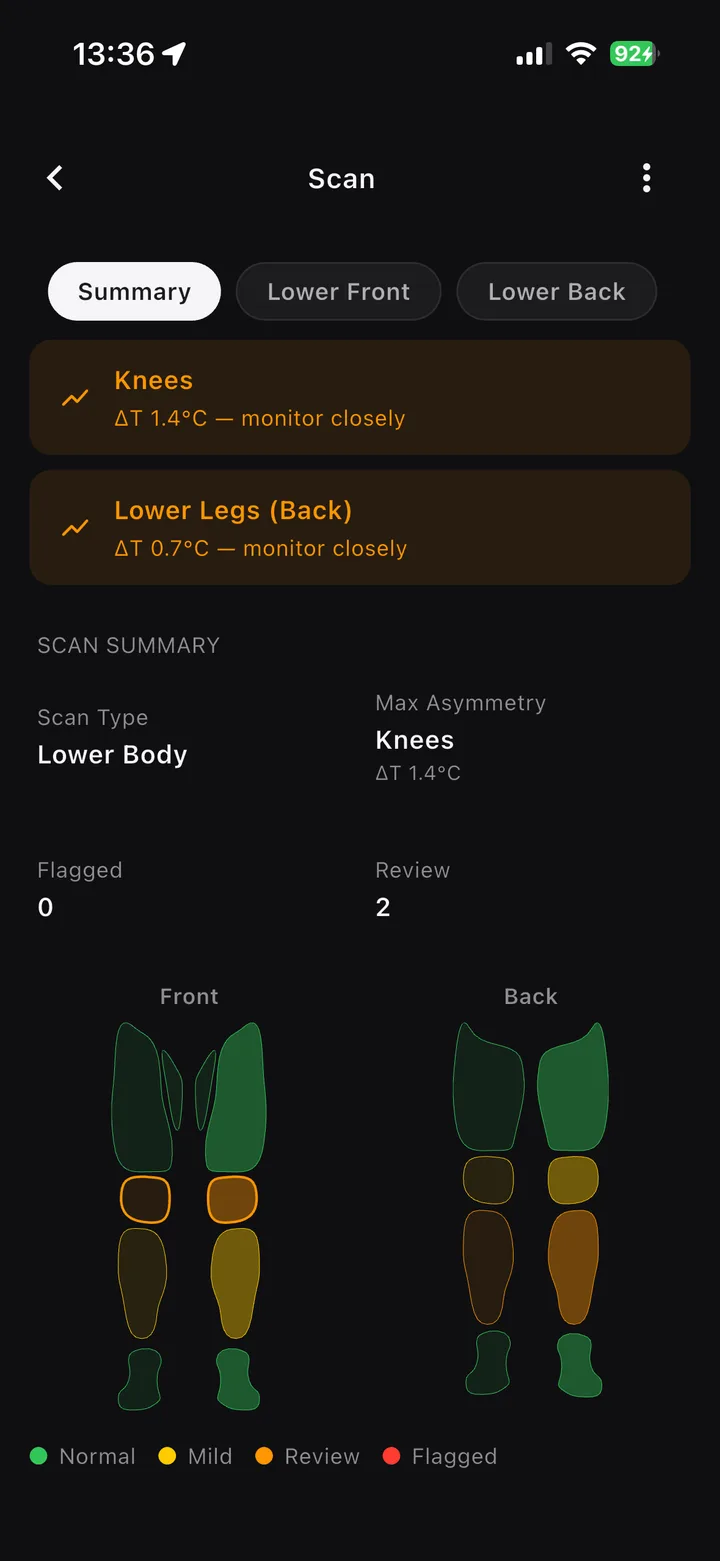
Tap a region on the body map. The app shows left against right, the trend, and whether the region crossed your threshold.
Reports
Print-ready PDFs the performance staff can share without exporting raw data.
The squad view.
A full squad overview with status and trends, structured for the performance staff who use it together.
Region by region.
Tap any part of the body map to see that region's bilateral temperature difference, its trend across recent sessions, and why it was flagged.
Bring ATS to your performance staff.
We run pilots with a small number of clubs each season. Tell us how your staff works today and what you want thermal data to add.